
Lambus Web
How can I change my password?
Last updated October 19, 2026
As long as you're logged in, you can change your password any time in your profile settings.
1. Open profile settings
Click your avatar / initials in the top right of the navigation bar and choose Settings from the menu.
You'll land on the Settings page with your name and username.
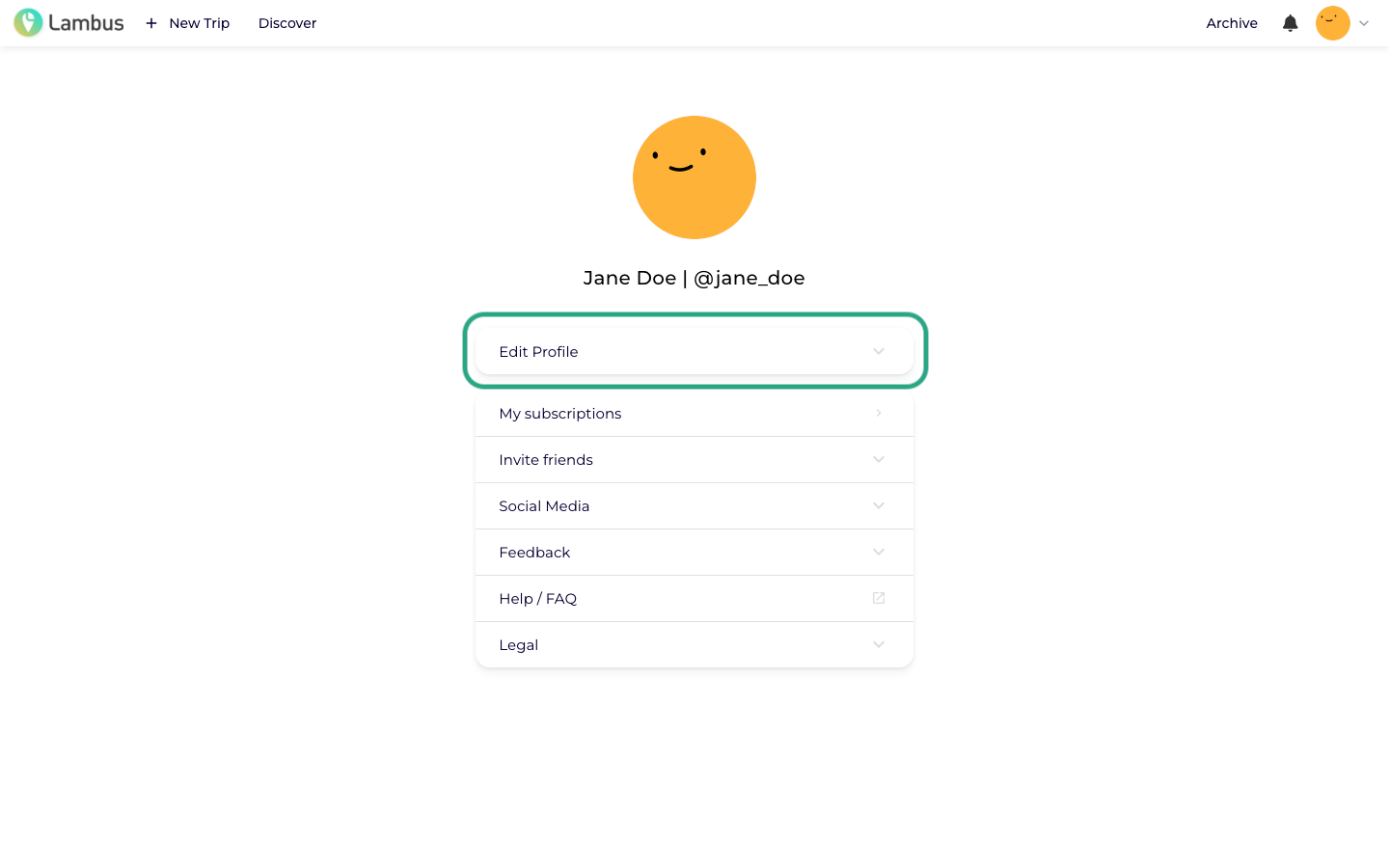
2. Edit profile
Click Edit profile to expand the section. Next to name, username and e-mail address you'll find a field labeled Change password ….
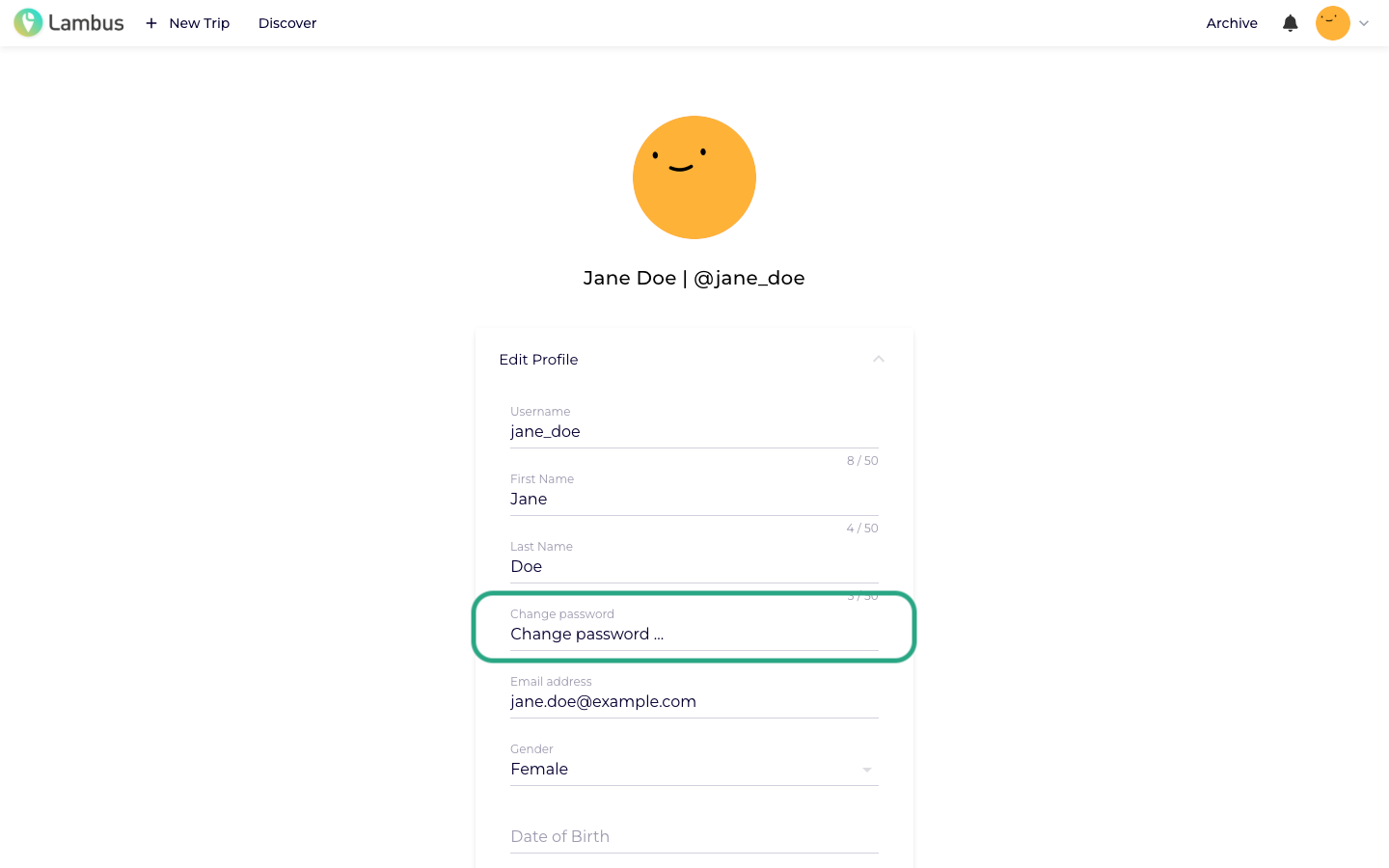
3. Change password
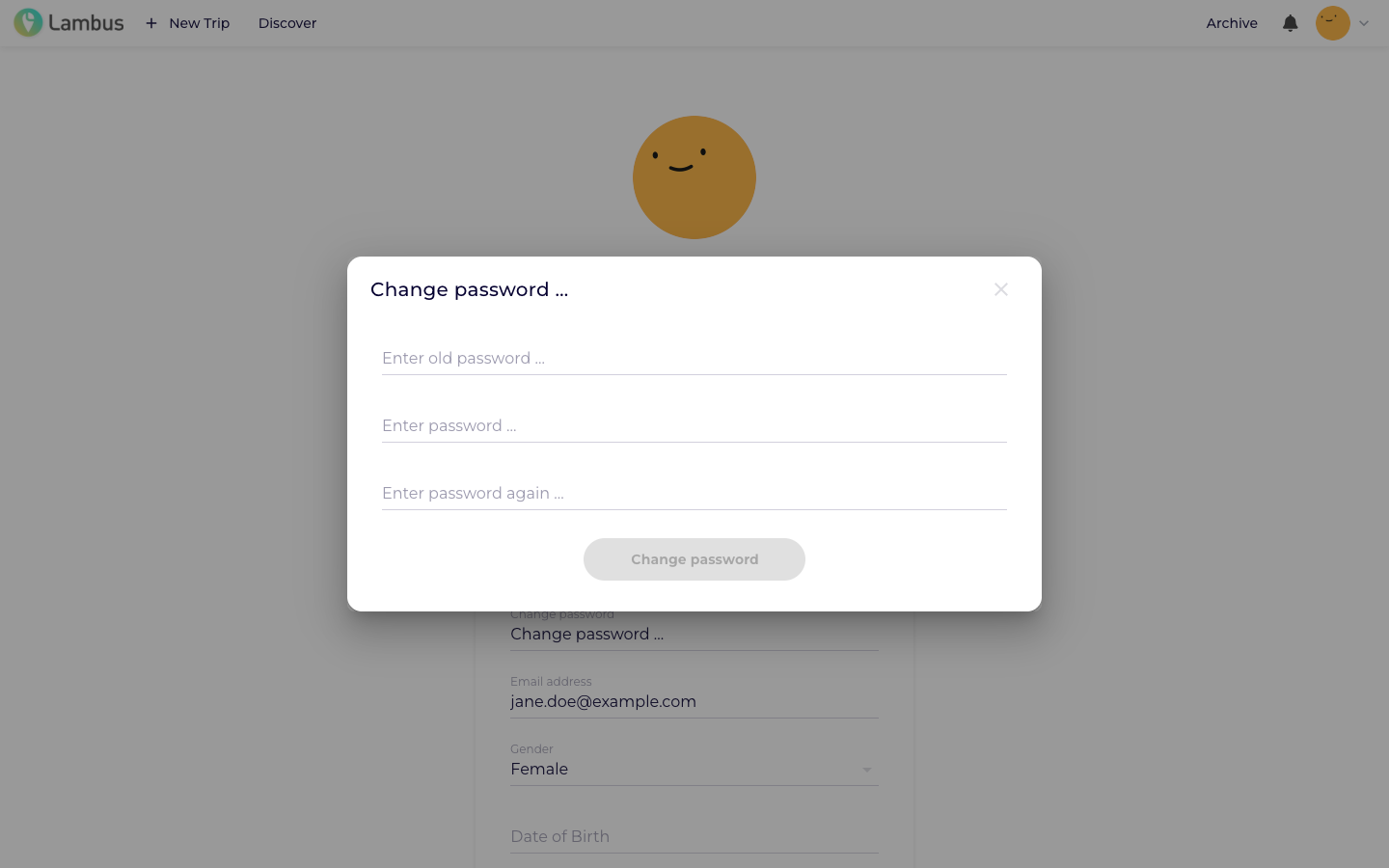
Click into the Change password … field. A dialog opens where you enter
your current password,
your new password and
your new password again to confirm.
Confirm with Change password.
Want to change your password in the iOS / Android app instead? Check our matching help article.