
Lambus Web
How can I reset my password?
Last updated October 19, 2026
If you've forgotten your password, you can reset it any time via the Web App:
Open app.lambus.com.
Below the password field, click Forgot password?.
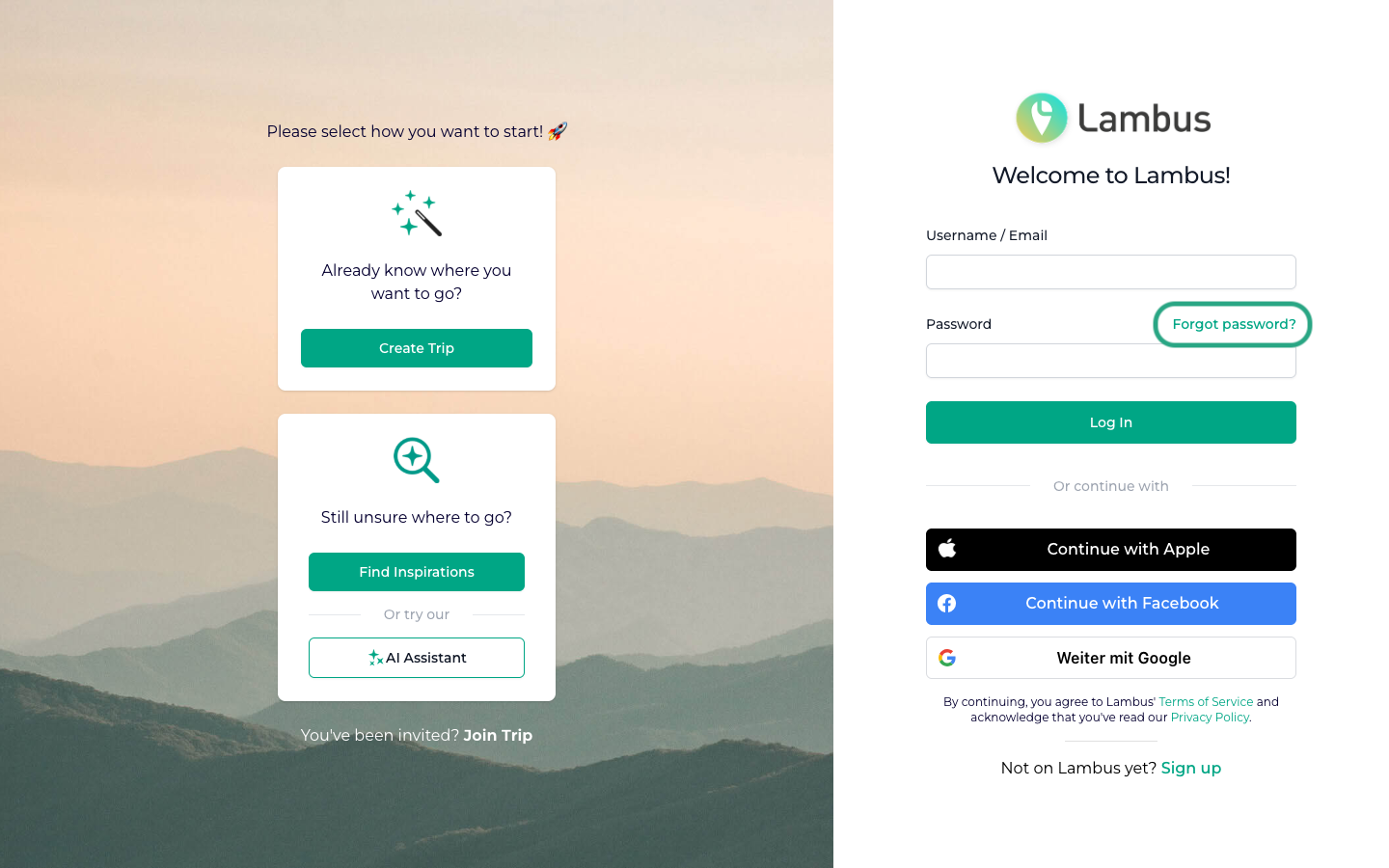
You'll land on the password reset page. Enter the e-mail address you used to create your Lambus account and click Recover now.
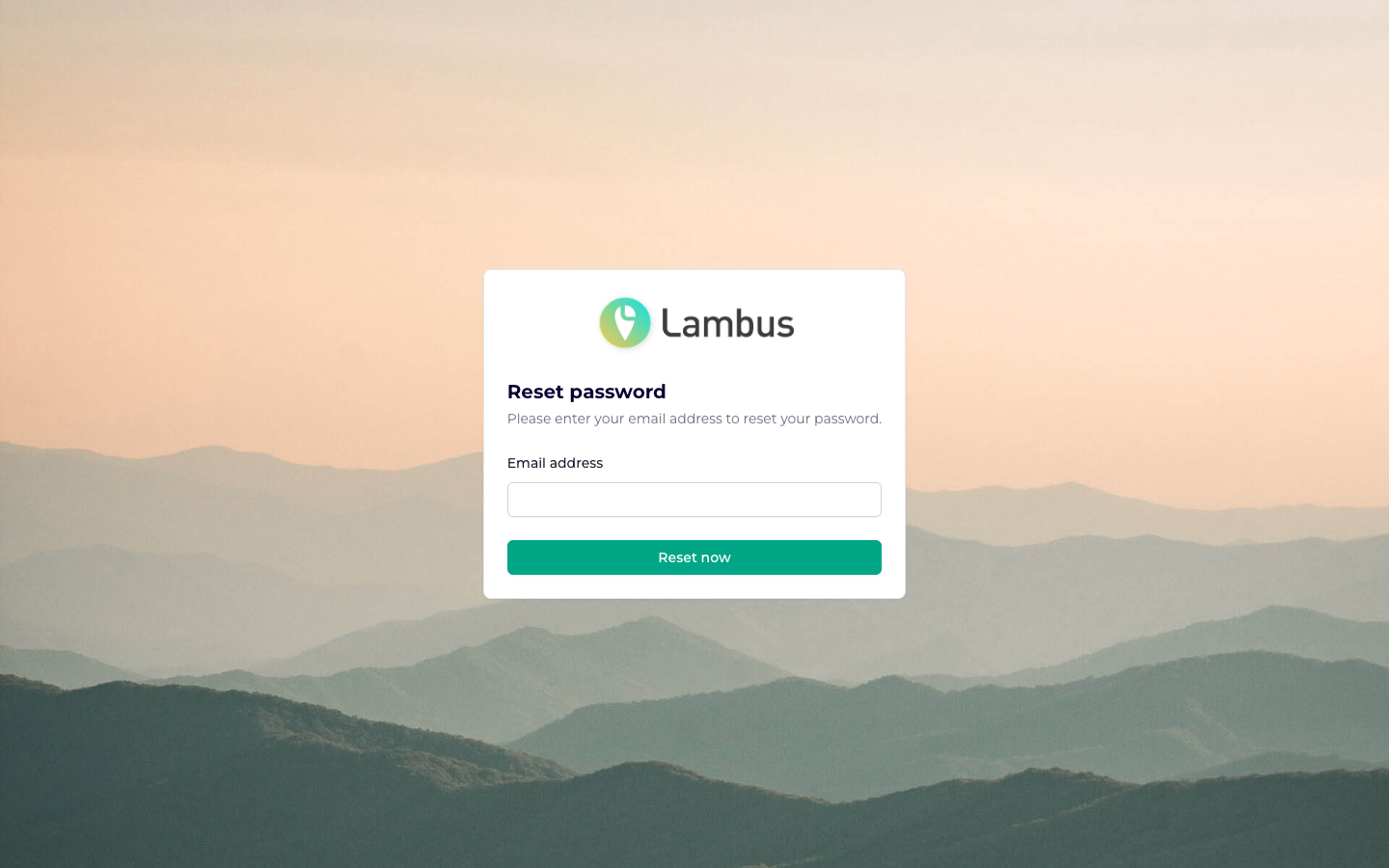
You'll then receive an e-mail with instructions for setting a new password.
If no e-mail arrives or you run into another login issue, message us any time via the chat bubble at the bottom right. We're happy to help.