
How can I create a new account?
Last updated October 20, 2026
You have several options to create a new account for the Lambus Web App:
E-Mail / Password
Sign in with Google
Sign in with Apple
Sign in with Facebook
Create an account with e-mail and password
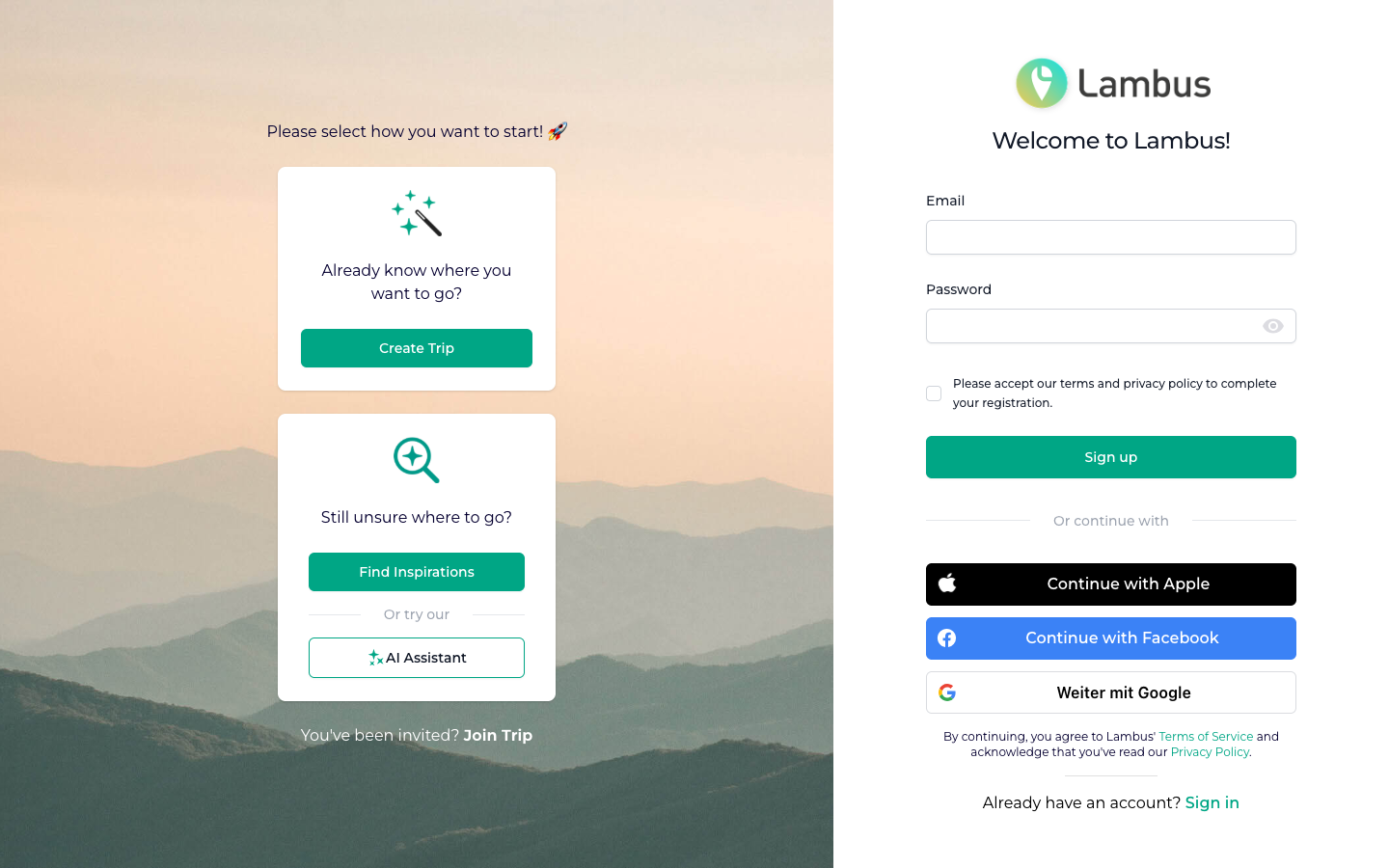
Open app.lambus.com/sign-up.
Enter your e-mail address and a secure password.
Confirm our Terms of Use and Privacy Policy via the checkbox.
Click Create account.
Sign in with Google, Apple or Facebook
On the sign-up page, click Continue with Apple, Continue with Facebook or Continue with Google. You will be redirected to the chosen provider and automatically created in Lambus after confirmation.
Note
Lambus is and will always be free for you. We will never ask you to pay for our basic service. If you ever receive such a request, please report it to privacy@lambus.com.
If you run into issues during sign-up, message us via the chat bubble at the bottom right. We'll help you out.