
How can I invite fellow travellers to my trip?
Last updated October 19, 2026
Lambus is built as a group travel app. Here's how to invite other travellers to your trip.
1. Open trip
In your trip list, click the trip you want to invite others to.
2. Open "Share trip"
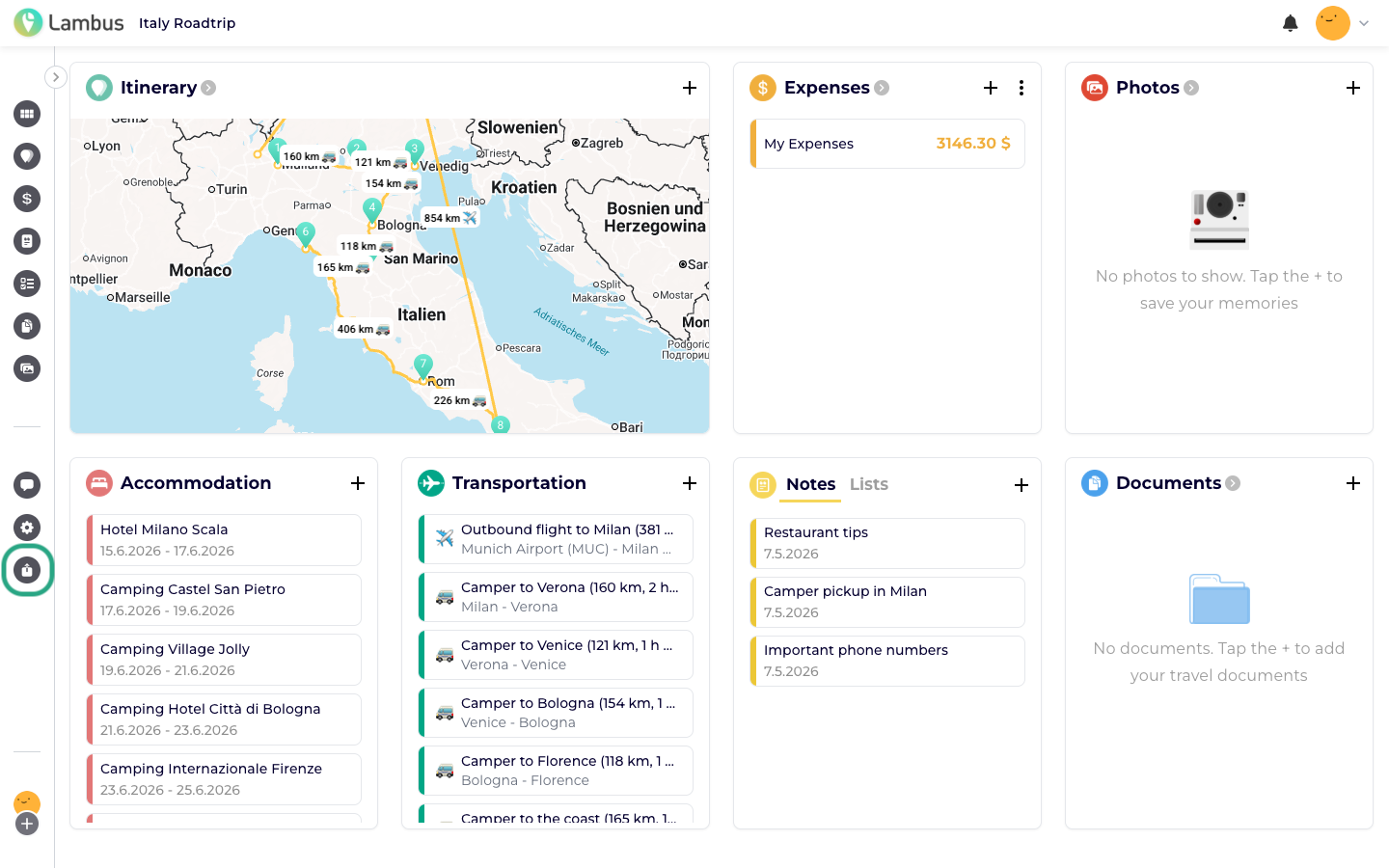
In the left navigation bar, you'll find the Share trip entry at the bottom. Click it.
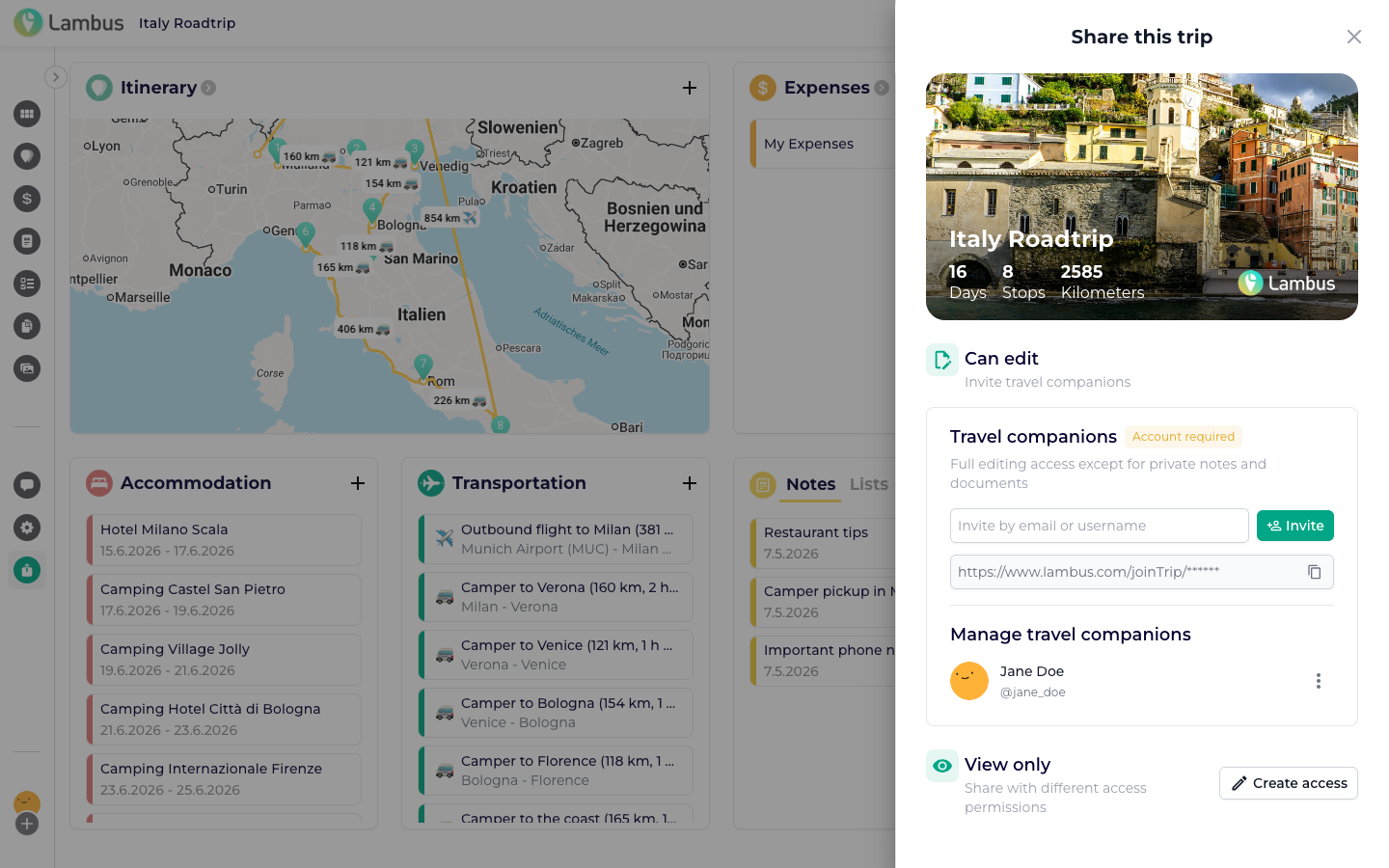
A slide-out panel opens on the right with all invite options.
3. Invite fellow travellers
You have two options:
By e-mail or username: Enter the e-mail address or Lambus username of the person in the top field and click Invite. The person receives an invitation and joins the trip with one click.
By link / PIN code: Copy the link below in the form
https://www.lambus.com/joinTrip/<PIN>and send it via messenger, mail or chat. Recipients can also enter the 6-digit PIN code directly in the "Join trip" dialog.
Via Create access, you can additionally share the itinerary as a read-only view with people who don't have a Lambus account. They see the trip plan via a link in their browser without needing to sign up or install Lambus. Ideal for letting family or friends follow along without giving them full access to all Lambus features.